



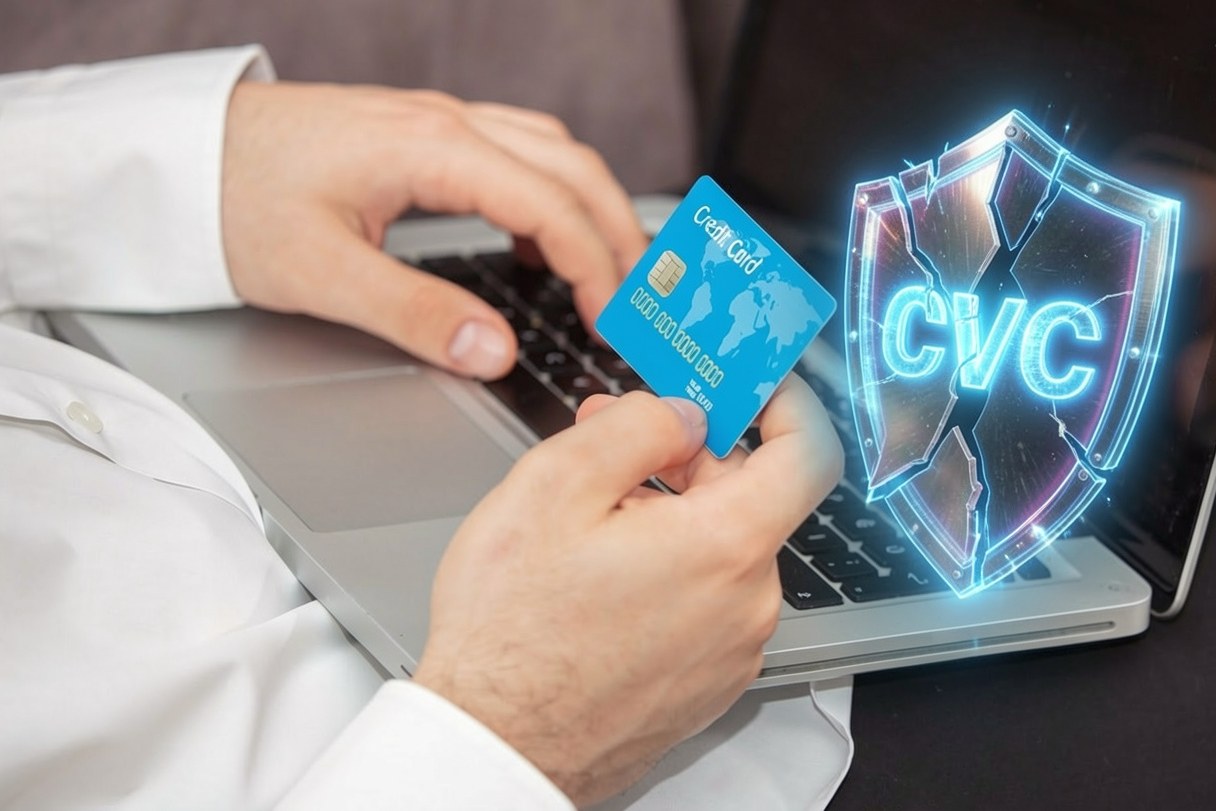
The other day our experience with online card payments got a new entry: a transaction went through successfully even though no 3D Secure authentication had taken place, and the CVC code entered wasn’t correct either. At first glance it looks like a bug — but the system behaved exactly the way it had been configured to.
Before we get to how that is possible, let’s run through a few concepts.
What is a CVC code?
The CVC proves that you physically hold the card. It’s the 3-digit security code on the back of your bank card, the one you’re always asked for when paying online. Every card scheme calls it something different — CVV2 at Visa, CVC2 at Mastercard, CID at American Express, where it’s 4 digits and sits on the front of the card. The point is the same everywhere: this number isn’t on the magnetic stripe or the chip, and under PCI DSS rules the merchant isn’t allowed to store it — not even encrypted. In a card-not-present payment it is practically the only signal suggesting that whoever is paying has the actual card in their hand.
What few people know is that the CVC check isn’t a yes-or-no gate. The issuing bank returns a separate result code in its response — match, no match, not processed, not supported — but it may authorise the transaction regardless. For a mismatched CVC to actually mean a decline, the merchant has to enforce it, or more precisely the settings of the payment gateway do. If that rule isn’t switched on, a wrong code is at most a line in the transaction log.
What is 3D Secure?
3DS is strong customer authentication performed at the moment of payment. When you buy something, your bank sends a message — to your mobile banking app or by SMS — asking whether you authorise the transaction, and you approve it with a password, a PIN or a fingerprint. The “3 domain” in the name refers to the three parties talking to each other: the issuing bank, the merchant’s acquirer, and the card scheme infrastructure connecting the two.
Today’s standard is 3DS2, which replaced the old 3DS1 with its pop-up browser window. It passes far more data about the transaction to the bank — device, browser, purchase history, shipping address — and precisely for that reason it often stays silent: if the bank’s risk analysis suggests the purchase is fine, it approves it in “frictionless” mode. The 3DS check did run; the customer simply never noticed it. That is not the same as 3DS never starting at all — although from the outside the two look identical.
And the biggest business benefit of 3DS isn’t security, it’s liability. After a successful 3DS authentication, the cost of a fraud-related chargeback typically shifts to the issuing bank. Without it, it stays with the merchant: the customer gets their money back, you have already shipped the goods, and the chargeback carries a fee of its own. After a few such cases your fraud ratio deteriorates too, which eventually shows up in your pricing.
So how can a payment succeed without 3DS and with the wrong CVC?
Because neither check runs on its own. Card payment gateways use a range of sophisticated methods to filter out suspicious transactions, but they have an interest in accepting everything else: their revenue comes from the transaction fees they charge. So by default they take the more permissive route — they don’t “push” either the CVC check or the use of 3DS.
And the law doesn’t require it in every case either. The EU’s PSD2 directive mandates strong customer authentication (SCA) for electronic payments, but it also allows a number of exemptions. In these cases 3DS may legitimately be skipped:
| Case | What it means | Who carries the risk |
|---|---|---|
| Low-value payment | A purchase under roughly EUR 30, as long as five transactions or EUR 100 haven’t accumulated on the card since the last authentication | ✖ The merchant |
| Transaction risk analysis | An acquirer with a low fraud rate may exempt the transaction at its own discretion | ✖ The merchant |
| Trusted beneficiary | The customer has added your webshop to their bank’s list of trusted merchants | ✖ The merchant |
| Recurring charge | A subscription, an instalment or a later fee — authentication happened at the first charge | ◐ Depends on the first authentication |
| Mail or telephone order | A MOTO transaction isn’t an electronic channel, so it falls outside the scope of SCA | ✖ The merchant |
| “One-leg-out” transaction | Either the issuer or the acquirer is located outside the European Economic Area | ✖ The merchant |
An exemption, however, is an option — not an obligation. The fact that a transaction can be exempted from 3DS doesn’t stop you from asking for it anyway. That decision is in your hands — or more precisely in your payment gateway’s admin panel, where the default setting has in all likelihood been sitting untouched for years. As the right-hand column of the table shows: almost every exemption runs at the merchant’s risk.
What should you check in your own webshop?
Open your payment gateway’s admin panel and work through these five points. In our experience the whole thing takes fifteen minutes — and in most webshops there is at least one surprise waiting in there.
| What to check | Why it matters |
|---|---|
| Whether the CVC is mandatory, and what happens on a mismatch | If the system doesn’t decline a non-matching code, asking for the CVC is security theatre |
| The 3DS mode: “always” or “only when required” | The default is usually the latter — yet the liability shift only comes with the former |
| Risk rules and amount limits | One velocity filter and one sensible amount cap stop most card testing attacks |
| Your chargeback statistics | If there were chargebacks in recent months, reviewing the settings isn’t theory — it’s a concrete return |
| What the system logs | If you can’t see the CVC result code and the 3DS status afterwards, you won’t be able to tell what happened |
There is a real trade-off between security and convenience — every extra step during payment can cost you a few customers. On the other side of the scale, though, it isn’t just the value of the goods lost to fraud: there’s the admin and the fee of the chargeback, your deteriorating fraud ratio, and the trust you lose for good with a defrauded customer. If you run a webshop, it’s worth reviewing your card payment gateway’s settings: your customers will be safer, and fewer refunds mean fewer unexpected costs for you.
Would you review your webshop’s payment settings but don’t know where to start? Or have you had a suspicious transaction you’d like to get to the bottom of? Tell us about it and we’ll help you sort it out.